TechTrek Workshop with Bob
Fun with AI: Create Cool Stuff with Bob!
Workshop Overview
Get ready to see how AI can actually build things! In this interactive demonstration workshop, you'll work in teams to come up with creative ideas and write prompts that tell Bob (an AI assistant) what to create. Watch as your ideas come to life in real-time! No coding experience needed - you bring the creativity, Bob does the building!
Duration: 90 minutes
Age Group: TechTrek (grades 6-8)
Format: Team-based demonstration (instructor types prompts into Bob)
Prerequisites: None! Just bring your creativity and imagination
Materials Needed:
- Projector/screen for demonstration
- Students in teams of 3-4
- Whiteboard or paper for teams to draft prompts
What Makes Bob Special?
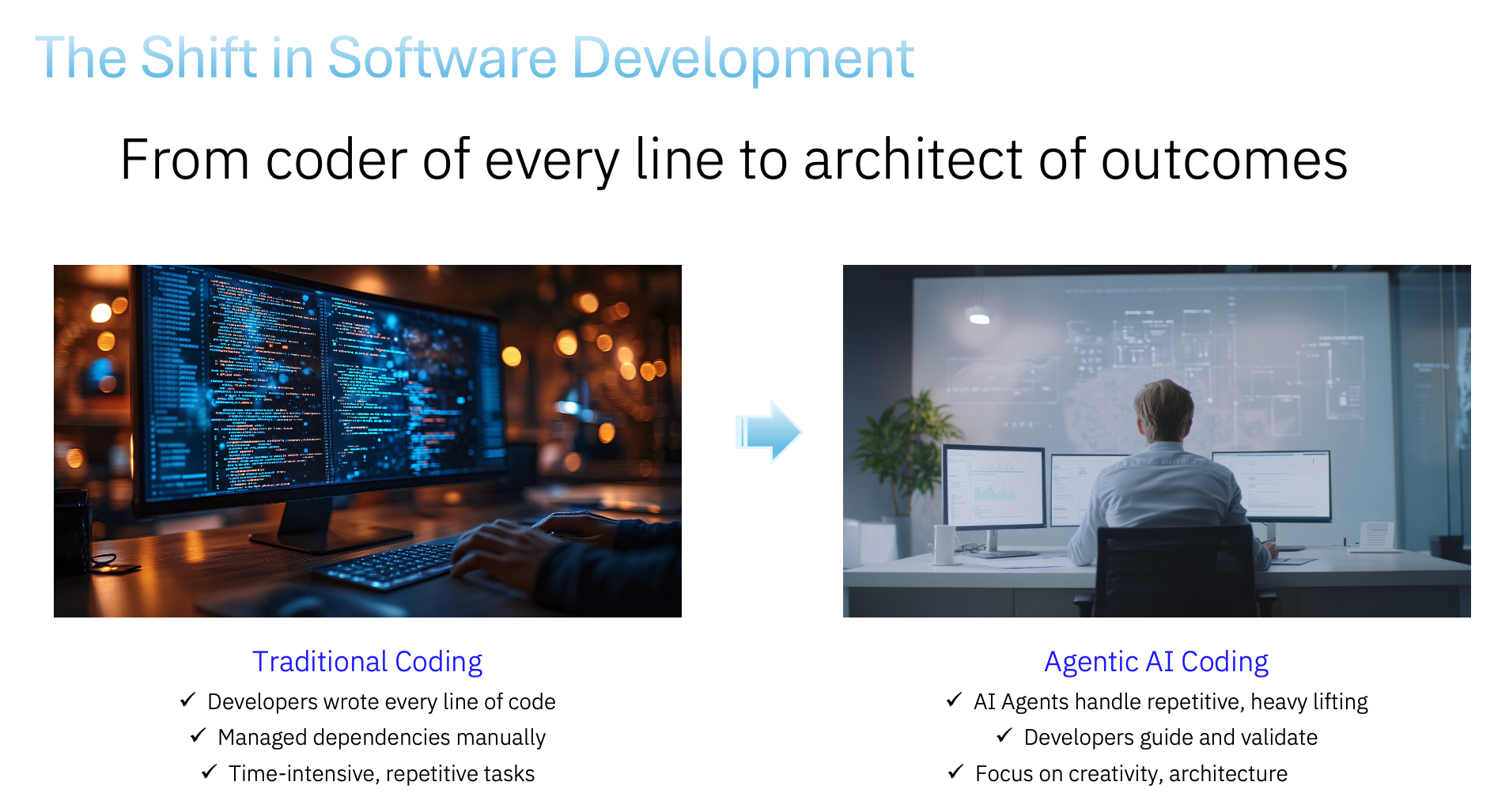
Bob isn't just a chatbot that answers questions - Bob can actually DO things!
Regular Chatbots:
- Answer your questions
- Have conversations
- Give you information
Bob (Agentic AI):
- Creates files and projects
- Builds websites and games
- Makes things you can actually use
- Works step-by-step to complete tasks
Think of Bob as a super-smart assistant who can turn your ideas into real projects!
Workshop Agenda
| Segment | Time |
|---|---|
| Intro to AI & Live Demo | 20 minutes |
| Round 1: Team Game Challenge | 20 minutes |
| Round 2: Creative Challenge | 20 minutes |
| Team Showcase & Discussion | 30 minutes |
| Total | 90 minutes |
How This Workshop Works
Team-Based Prompt Creation
- Teams of 3-4 students work together
- Teams brainstorm what they want Bob to create
- Teams write a prompt describing their idea
- Instructor types the prompt into Bob (projected on screen)
- Everyone watches Bob work in real-time
- Test the creation together and see it work!
What Makes a Great Prompt?
- Be specific about what you want
- Describe colors, shapes, and actions
- Say what should happen when you click or interact
- Use your imagination - the more creative, the better!
Workshop Activities
🎙️ Intro to AI & Live Demo (20 minutes)
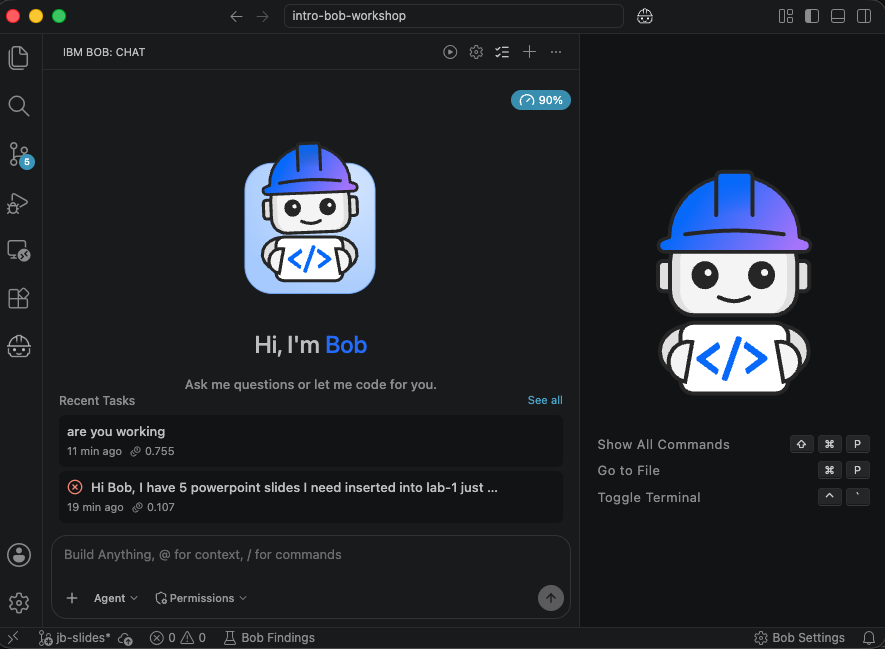
Kick off the workshop with a quick introduction to what AI is, how it's different from a regular chatbot, and what makes Bob special. Finish with a live demo so students can see Bob in action before the team rounds begin.
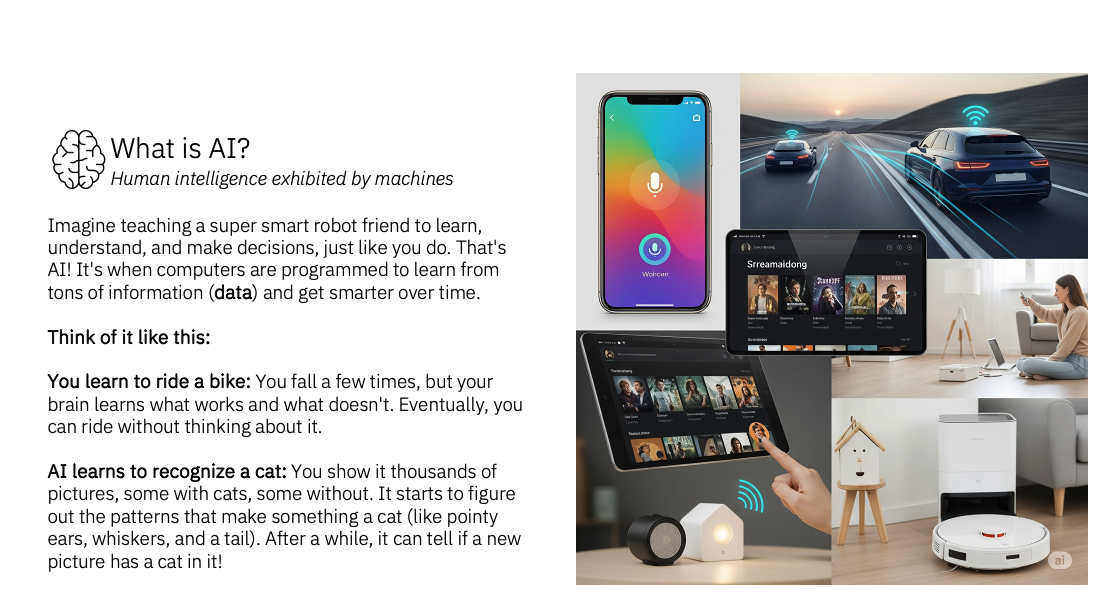
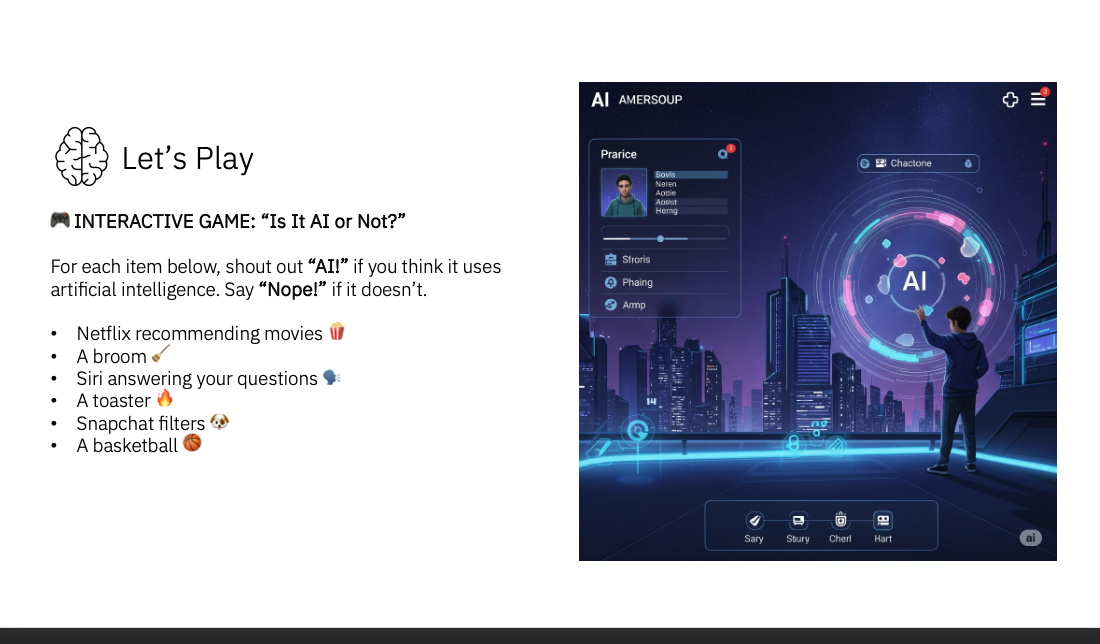
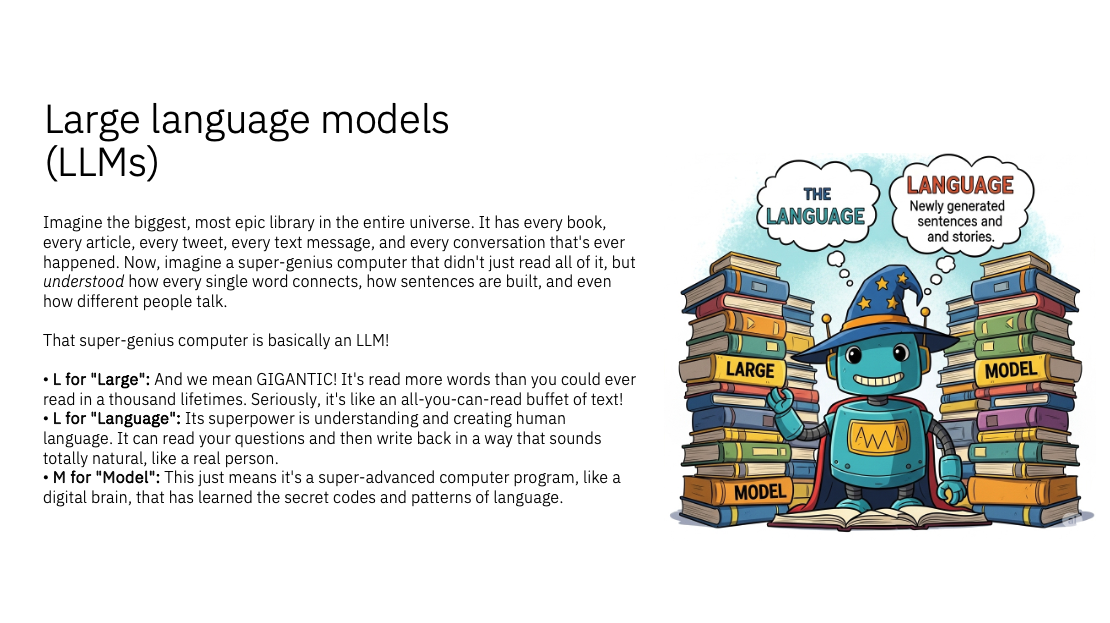
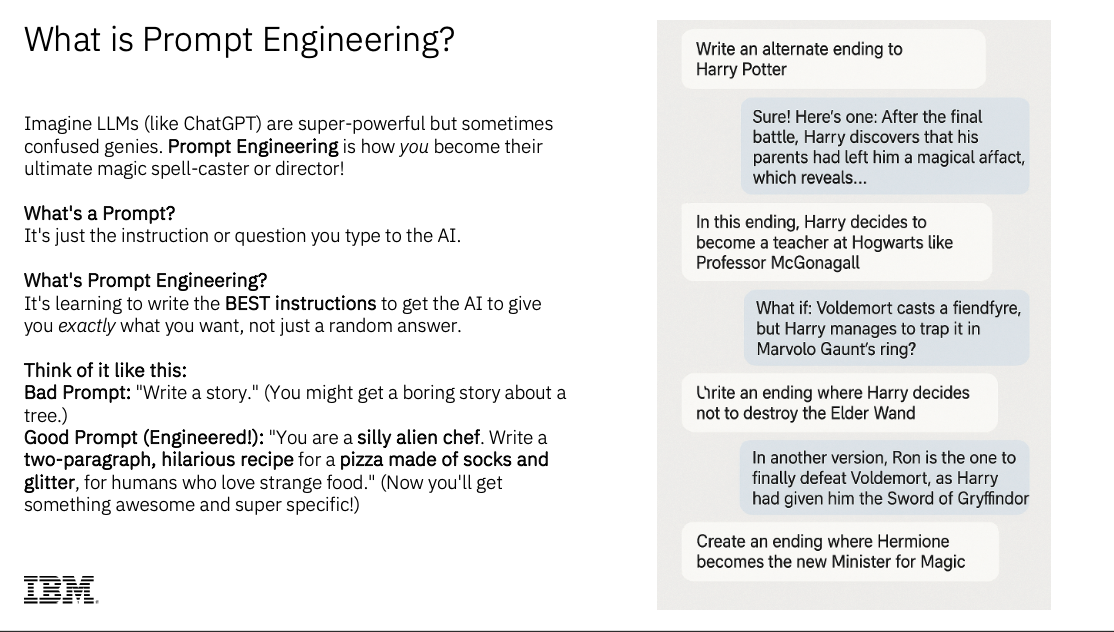
Quick intro to Bob: how it works, what it can build
🎮 Round 1: Team Game Challenge! (20 minutes)
The Challenge: Each team creates a prompt for a fun browser game — then, if there's time, improves it!
Part A — Build It (planning ~5 min):
- Huddle with your team and decide what kind of game you want
- Write down your prompt on paper — be specific!
- Hand it to the instructor to type into Bob
Game Ideas to Inspire You:
- Clicking game (click objects that appear)
- Reaction game (press button when color changes)
- Memory game (remember patterns)
- Catching game (catch falling objects)
- Guessing game (guess the number/word)
Example Prompt Structure:
Create a [type of game] where:
- [What appears on screen]
- [What the player does]
- [How you score points]
- [How long the game lasts]
- [What colors/style to use]
- Make it [fun/exciting/colorful/etc.]!

Save it in a folder called "[team-name]-game"
Part B — Improve It (if time allows):
Once the game is built, teams can write a follow-up prompt to make it even better!
Improvement Ideas:
- Add animations or sound effects
- Change colors or appearance
- Add new buttons or features
- Make it more interactive
- Add a scoring system
- Include fun messages or reactions
Example Improvement Prompt:
Improve the [game name] by adding:
- [Specific feature you want]
- [How it should look]
- [What it should do]
- [Any special effects or animations]
🌟 Round 2: Creative Challenge! (20 minutes)
The Challenge: Teams create something completely new and unique!
Team Planning Time:
- Brainstorm: What would be fun or useful?
- Think about things you'd actually want to use
- Write a detailed prompt for your creation
- Make it YOUR idea - be original!
Project Ideas (Pick One or Create Your Own!):
🎱 Magic Decision Maker
- Helps you make decisions
- Gives random answers or advice
- Fun animations and colors
🎨 Creative Generator
- Random drawing ideas
- Story starters
- Character creators
- Writing prompts
😊 Mood & Feelings
- Mood tracker with emojis
- Compliment generator
- Positive message maker
- Daily affirmation tool
🎮 Mini Games
- Trivia quiz on your favorite topic
- Memory matching game
- Word guessing game
- Math challenge game
🎭 Fun Tools
- Joke or riddle generator
- Random fact displayer
- Fortune teller
- Name generator
Example Prompt Template:
Create a [name of your project] that:
- [Main purpose - what does it do?]
- [What appears on the screen?]
- [What can users click or interact with?]
- [What happens when they interact?]
- [What colors/style should it have?]
- [Any special features or animations?]
- Include at least [number] different [items/responses/etc.]

Save it in a folder called "[creative-name]"
🏆 Bonus Round: Mashup Challenge! (If Time Allows)
The Challenge: Combine ideas from two different projects!
Quick Team Brainstorm:
- What if we mixed the game with the joke generator?
- What if we added a timer to something?
- What if we combined two different features?
Example Mashup Prompts:
Add a timer to the joke generator so it shows a new joke every 10 seconds automatically.
Combine the mood tracker with the compliment generator so when I click a mood, it gives me a matching compliment.
Add the scoring system from the game to the trivia quiz.
🎤 Team Showcase & Discussion (30 minutes)
This is where it all comes together! Teams share what they created, what they learned, and what they'd do next.
Discussion
About Bob:
- What was the most impressive thing Bob did?
- What surprised you about how Bob works?
About Your Prompts:
- Which prompt produced the best result? Why?
- What made a prompt work really well?
- How would you improve a prompt that didn't work as expected?
About AI and the Future:
- How could tools like Bob help with school or future jobs?
- What should we be careful about when using AI?
- How can AI help people be more creative, not less?
Tips for Writing Great Prompts
🎯 The Secret to Success
Be Specific!
- ❌ "Make a game"
- ✅ "Make a clicking game with rainbow stars that I click to get points, with a 30-second timer and fun sound effects"
Paint a Picture with Words!
- Describe colors, shapes, and sizes
- Say what should happen when you click
- Explain how it should look and feel
- Use descriptive words!
Break It Down!
- What appears on screen?
- What can you click or do?
- What happens when you interact?
- How does it end or reset?
Add Your Personality!
- Use your favorite colors
- Pick themes you like
- Make it fun for YOU
- Be creative and original!
🎨 Prompt Writing Formula
- Start with what you want: "Create a..."
- Describe the main feature: "where..."
- List specific details: Use bullet points
- Add style preferences: Colors, animations, mood
- Name your project: "Save it in a folder called..."
Examples of Good vs. Great Prompts
Good Prompt:
Make a game with circles I can click.
GREAT Prompt:
Create a fast-paced clicking game where:
- Colorful circles (red, blue, green, yellow) pop up randomly
- Each circle is worth 10 points
- Circles disappear after 2 seconds if not clicked
- Game lasts 30 seconds
- Shows final score with a fun message
- Use bright, energetic colors
- Add a "Play Again" button at the end

Save it in a folder called "circle-clicker"
Wrap-Up & Reflection
🎉 What We Created Today!
- [List the projects created during the workshop]
- Each one started as just an idea and words
- Bob turned those words into real, working projects
- Your creativity made it happen!
💭 Discussion Questions
About Bob:
- What was the most impressive thing Bob did?
- What surprised you about how Bob works?
- How is Bob different from other AI you've seen?
About Your Experience:
- Which project was your favorite? Why?
- What made a prompt work really well?
- If you could create anything with Bob, what would it be?
About AI and the Future:
- How could tools like Bob help with school?
- What jobs might use AI like this?
- What should we be careful about with AI?
- How can AI help people be more creative?
🌟 Key Takeaways
About Bob's Superpowers:
- Bob can CREATE - Makes new projects from scratch
- Bob can READ - Understands existing code
- Bob can IMPROVE - Adds features without breaking things
- Bob can EXPLAIN - Tells you what it's doing
- Bob works STEP-BY-STEP - Breaks big tasks into small steps
About Working with AI:
- Clear communication is key (good prompts = good results)
- AI is a tool that amplifies YOUR creativity
- You don't need to know coding to create cool things
- AI can help turn your ideas into reality
- The more specific you are, the better the result
About Your Creativity:
- Your ideas are the most important part
- Technology can help bring imagination to life
- Teamwork makes prompts even better
- There's no "wrong" way to be creative
- You can create things you never thought possible!
Take the Ideas Home!
💡 Things to Think About
Whether or not you have access to Bob at home, you learned important skills today: - How to describe ideas clearly and specifically - How to break big ideas into smaller parts - How to think about what makes something interactive and fun - How AI can help turn ideas into real things
🎨 Practice Your Prompt-Writing Skills
- Write prompts for imaginary projects
- Describe apps or games you wish existed
- Practice being specific and creative with words
- Share your prompt ideas with friends and family
🚀 Future Possibilities
- Maybe you'll use AI tools like Bob in the future
- The skills you learned today (clear communication, creative thinking) are valuable everywhere
- Technology keeps getting better at helping people create
- Your generation will have amazing tools to bring ideas to life!
📝 Ideas to Write Prompts For (Just for Fun!)
- A quiz about your favorite book or movie
- A countdown timer for your birthday
- A random compliment generator for your friends
- A story idea generator for creative writing
- A study helper for your hardest subject
- A virtual pet based on your favorite animal
- A game based on your favorite hobby
Instructor Guide
Setup & Preparation
Before the Workshop:
- Test Bob and ensure it's working properly
- Have the projector/screen ready and visible to all students
- Prepare example project ideas and backup prompts for Round 2
- Print or prepare team assignment cards
- Have backup prompts ready in case teams struggle
Materials Needed:
- Computer with Bob access (connected to projector)
- Whiteboard or paper for teams to draft prompts
- Timer for team planning sessions
- Optional: Prizes or recognition for creative prompts
Facilitation Tips
Team Formation (2 minutes):
- Create diverse teams of 3-4 students
- Mix different skill levels and personalities
- Assign team roles: Idea Generator, Detail Adder, Prompt Writer, Spokesperson
Managing Time:
- Use a visible timer for planning sessions
- Give 2-minute and 1-minute warnings
- Be flexible - if a demonstration is really engaging, let it run a bit longer
- Have backup prompts ready if a team isn't ready
Encouraging Participation:
- Rotate which teams present each round
- Celebrate creative and specific prompts
- Ask teams to explain their thinking
- Encourage students to build on each other's ideas
Handling Technical Issues:
- Have 2-3 backup prompts ready for each round
- If Bob encounters an error, explain that AI can make mistakes
- Use it as a teaching moment about iteration and refinement
- Keep the energy positive and focus on what works
What Students Learn
Technical Skills:
- Understanding agentic AI vs. traditional chatbots
- How AI breaks down complex tasks
- The importance of clear, specific instructions
- How code creates interactive experiences
Soft Skills:
- Teamwork and collaboration
- Clear communication
- Creative problem-solving
- Iterative thinking (refining ideas)
- Attention to detail
AI Literacy:
- AI capabilities and limitations
- How AI follows instructions
- The importance of human creativity and direction
- Responsible AI use and expectations
Assessment Ideas
Informal Assessment:
- Observe team collaboration and engagement
- Note quality and specificity of prompts
- Listen to student discussions and questions
- Watch for "aha!" moments during demonstrations
Discussion-Based Assessment:
- Ask students to explain what made a prompt effective
- Have students identify what Bob did well/poorly
- Discuss how they would improve a prompt
- Reflect on what they learned about AI
Optional Follow-Up:
- Have students write a reflection about their favorite creation
- Ask students to write a prompt for a dream project
- Create a class gallery of prompt ideas
- Share photos/videos of the workshop with parents
Extension Activities
In Class:
- Have students write prompts for curriculum topics (math games, science quizzes)
- Create a "Prompt of the Week" challenge
- Build a class collection of great prompts
- Connect to writing skills (descriptive language, clear instructions)
Cross-Curricular Connections:
- Writing: Descriptive language, clear instructions, technical writing
- Art: Design thinking, color theory, visual communication
- Math: Logic, sequencing, problem decomposition
- Science: Hypothesis testing, iteration, cause and effect
Safety & Ethics Discussion
Important Points to Cover:
- AI is a tool created by humans
- AI follows instructions but can make mistakes
- Always review and test what AI creates
- Give credit when using AI assistance
- Think critically about AI outputs
- Consider how AI might impact jobs and society
- Use AI to enhance creativity, not replace it
Troubleshooting
If a prompt doesn't work well:
- Ask the class: "How could we make this prompt more specific?"
- Have Bob explain what it understood from the prompt
- Refine the prompt together as a class
- Use it as a learning opportunity
If students are stuck:
- Show example prompts from the guide
- Ask guiding questions: "What colors do you want?" "What should happen when you click?"
- Encourage them to describe it like they're explaining to a friend
- Remind them there are no wrong ideas
If time runs short:
- Prioritize Round 1 and Round 2 (creation rounds)
- Combine team presentations (show 2 projects back-to-back)
- Save detailed testing for after the workshop
- Focus on the "wow" moments
Success Metrics
Workshop is successful if students:
- Understand that AI can create real, functional projects
- Learn to write clear, specific instructions
- Experience the creative possibilities of AI
- Work effectively in teams
- Feel excited about technology and creation
- Ask thoughtful questions about AI
Post-Workshop
Share Results:
- Take screenshots of created projects
- Share with parents/administrators
- Post on school website or newsletter
- Create a highlight video
Follow-Up:
- Send home a summary of what students learned
- Share prompt-writing tips for parents
- Provide resources for learning more about AI
- Encourage continued creative thinking
Conclusion
🎉 You're Prompt-Writing Pros Now!
Today you learned how to communicate with AI to create real projects! You saw your ideas turn into games, websites, and tools - all because you learned to describe what you wanted clearly and creatively.
Remember:
- Your creativity and ideas are the most important part
- Clear, specific instructions help AI understand what you want
- AI is a powerful tool that can help bring imagination to life
- Teamwork makes ideas even better
- Technology keeps getting better at helping people create
The Future is Creative! The skills you learned today - clear communication, creative thinking, breaking down big ideas - will help you in school, future jobs, and life. Who knows what amazing things your generation will create with AI tools!
🌟 Thank You for Your Creativity!
Every prompt you wrote today was unique and special. You showed that when humans bring creativity and AI brings capability, amazing things can happen!
Workshop created for IBM Bob - Making AI Fun and Accessible! Version 2.0 - Team-Based Demonstration Format Designed for TechTrek students (grades 6-8) Duration: 90 minutes Format: Instructor-led demonstration with team prompt creation