
Code Generation (Batch)#
ibm_watsonx_data_integration.services.datastage.codegen.python_generator.PythonGenerator is an entry point for converting existing flows to Python SDK code.
For batch flows, you can use the
PythonGenerator
class to automatically convert assets from ZIP or JSON format to Python code.
Configuration#
To use the PythonGenerator, create an instance of the generator and set the desired configuration settings.
mode: Generate one file per flow ('file_per_flow'by default) or combine into a single file ('single_file').create_job: Add code to create a job for each flow (True by default).run_job: Add code to run the auto-created jobs. Only checked ifcreate_jobis True, and defaults to True.overwrite: Allow overwriting the output directory (False by default).use_flow_name: Use original flow names instead of autogenerated ones (True by default).api_key: Provide your API key or update the placeholder later (default is a placeholder).project_id: Provide your project ID or update the placeholder later (default is a placeholder).persist_topology: If set toTrue, this maintains the original topology of the flow, including comments and annotations. Otherwise, the flow’s stages are auto-arranged. Defaults toFalse.
>>> from ibm_watsonx_data_integration import *
>>> from ibm_watsonx_data_integration.services.datastage import *
>>>
>>> # Declare a generator to use
>>> generator = PythonGenerator()
>>>
>>> # Configure settings
>>> generator.configuration.mode = 'file_per_flow'
>>> generator.configuration.create_job = True
>>> generator.configuration.run_job = True
>>> generator.configuration.api_key = 'MY_API_KEY'          # pragma: allowlist secret
>>> generator.configuration.project_id = 'MY_PROJECT_ID'
>>> generator.configuration.persist_topology = True
Preparing Inputs#
The input can either be a flow JSON or a zip file containing one or more flows and their dependent assets. Both of these formats can be obtained in several ways, but one option is to download them directly from the flow editor.
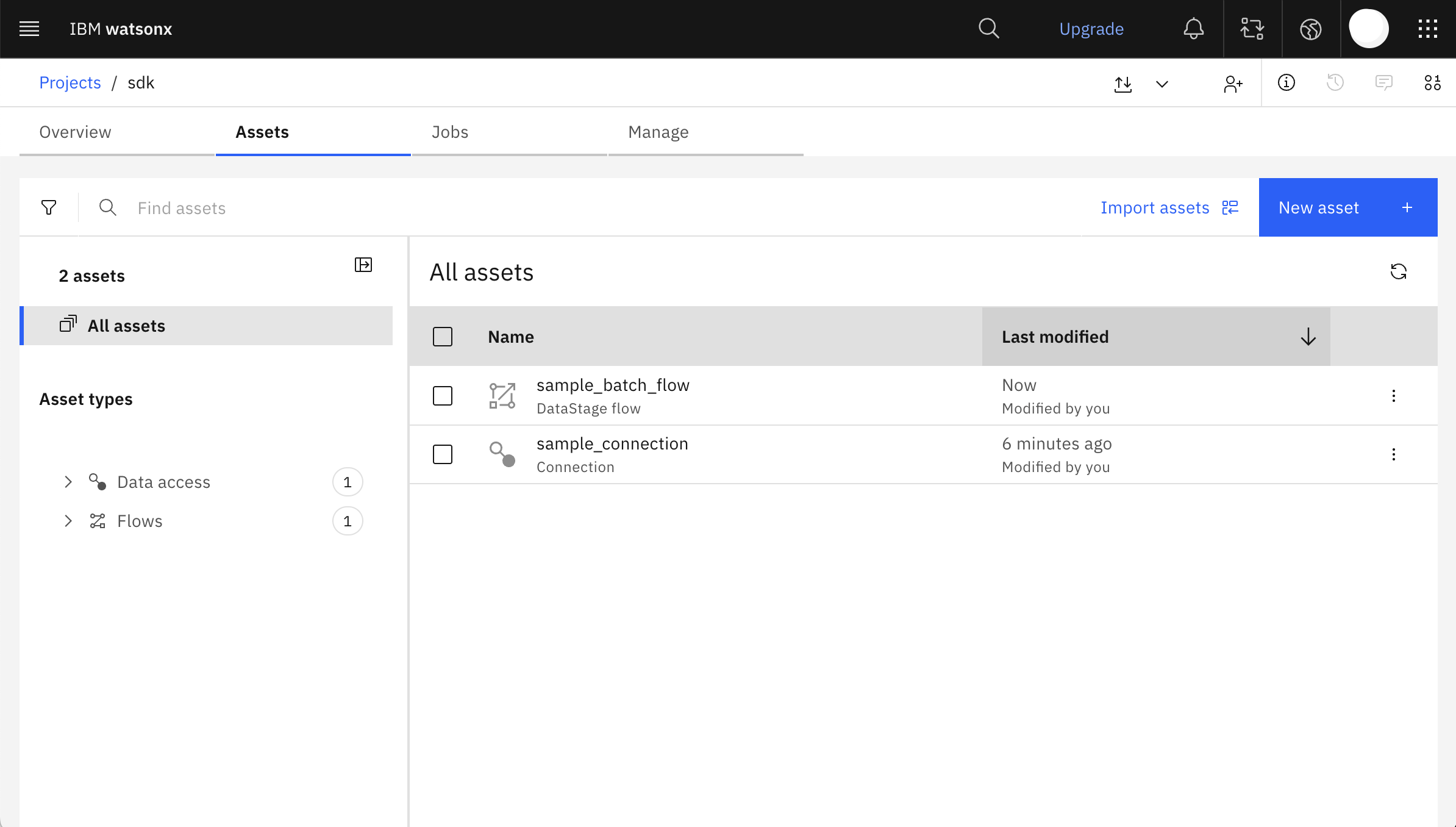
This is a sample project containing one batch flow and one connection used in the flow.

The flow reads data from a COS datasource, sorts it, then outputs a preview of the data.
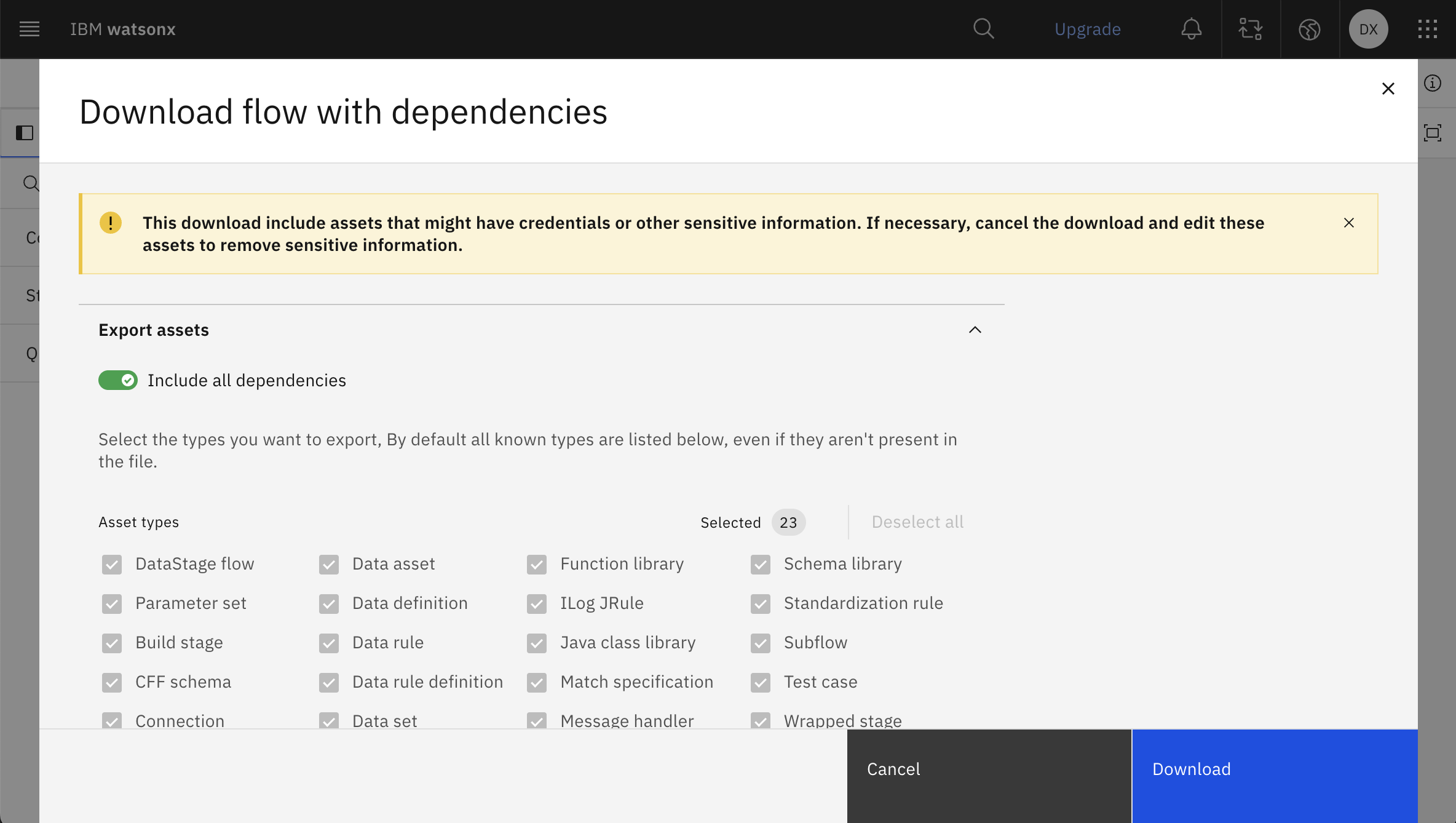
From this page, you can download the flow and its dependencies as a ZIP file.
This is the expected structure of the downloaded ZIP file:
downloaded_folder/
├── connections/
│   └── sample_connection.json
└── data_intg_flow/
│   └── sample_batch_flow.json
└── ...etc
Running the Generator#
Run the PythonGenerator using the PythonGenerator.generate(input_path, output_path) method.
input_path: Path to the JSON or ZIP file
output_path (optional): The file or directory where the code will be written. If no
output_pathis specified, the code will not be written.Returns a dictionary that maps file names to generated code strings
>>> # Generate multiple flows from zip and write to output directory
>>> generator.generate(input_path='downloaded_folder.zip', output_path='path/to/output')
>>> # Generate one flow from JSON and write to output directory
>>> generator.generate(input_path='downloaded_folder/data_intg_flow/sample_batch_flow.json', output_path='path/to/output.py')
>>> # Generate from zip without saving files
>>> generated_code = generator.generate(input_path='downloaded_folder.zip')
Note
The zip format is recommended because it includes all dependencies (connections, parameter sets, etc.), allowing for more complete code generation.
Running Generated Code#
Before running the generated code, up to three types of placeholders may need to be replaced.
Replace the api_key and project_id placeholders if you did not set them on the generator object:
api_key = '<TODO: insert your api_key>' # pragma: allowlist secret
project = platform.projects.get(project_id='<TODO: insert your project_id>')
Sensitive or encrypted connection credentials will also be generated as placeholders:
vertica = project.create_connection(
    name='sample_vertica_conn',
    datasource_type=platform.datasources.get(name='vertica'),
    properties={
        'database': 'abcdef',
        'password': '<TODO: insert your password>', # pragma: allowlist secret
        'username': '<TODO: insert your username>',
    },
)
BatchFlow Compilation Modes#
When working with batch flows, you can specify the compilation mode that determines how the flow is executed. The SDK supports three compilation modes: ETL (default), TETL, and ELT.
For complete documentation on compilation modes, materialization policies, and usage examples, see Compilation Modes.