Updating passwords for multiple Db2 for z/OS database connections
You can change the user IDs, passwords, or both for multiple connections profiles at once.
To update the user IDs, passwords, or both:
-
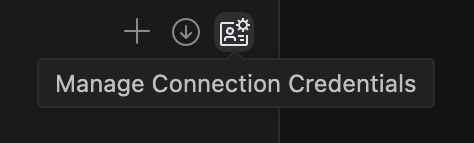
From the DB2 FOR Z/OS CONNECTIONS view, click the Manage Connections Credentials icon.
-
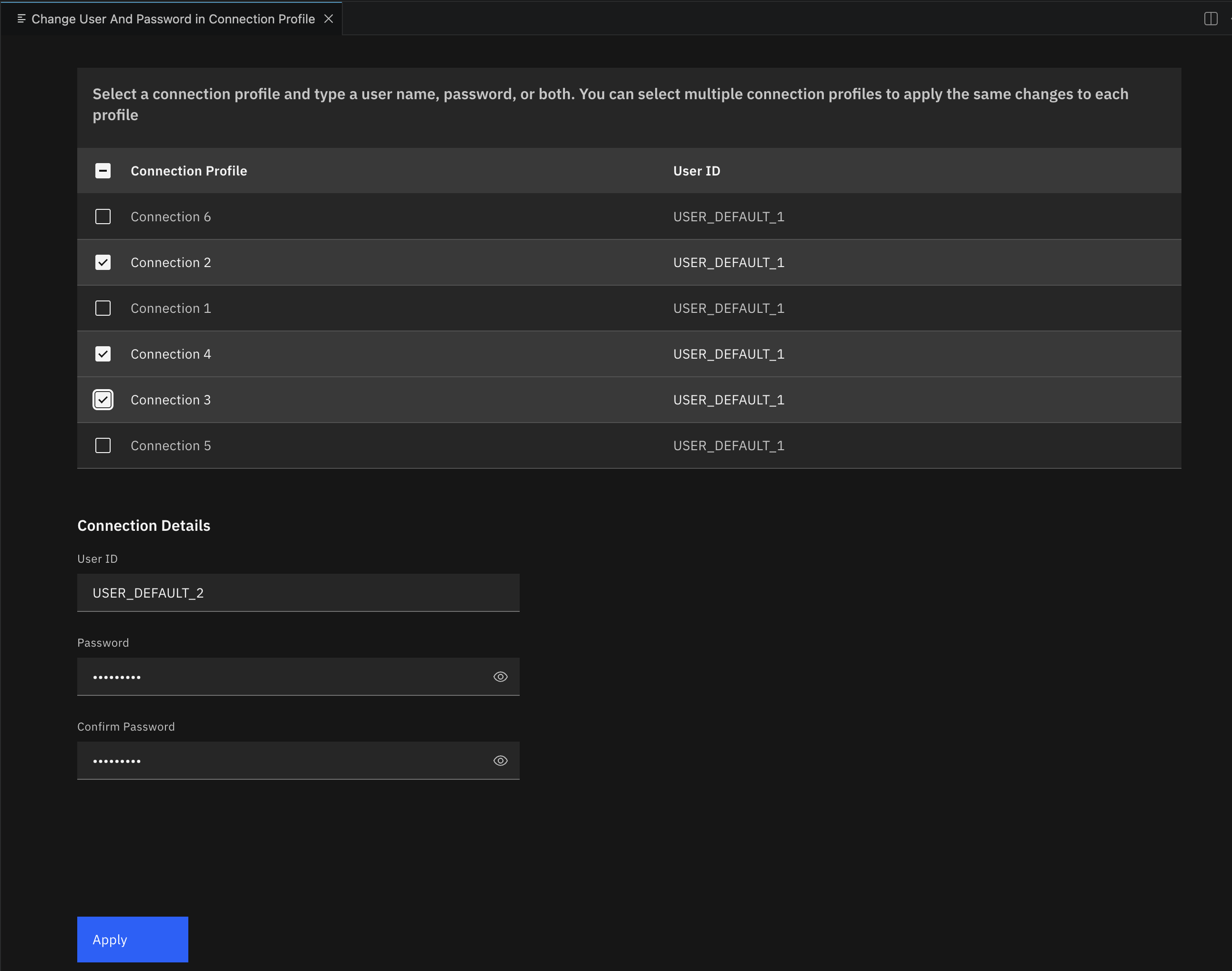
Select a connection profile, or multiple connection profiles, that you want to change the user ID, password, or both for.
-
In the Connection Details section, enter a new user ID, password, or both.
-
Click Apply.
The result is that the updated user IDs and passwords are used when you reconnect to those databases.