Loading data from a file
Db2 Developer Extension provides the capability to load structured data from external delimited files into an existing table. It provides delimiter configuration, validation, progress tracking, and clear error reporting to ensure safe and predictable data loading.
To load data into a table:
-
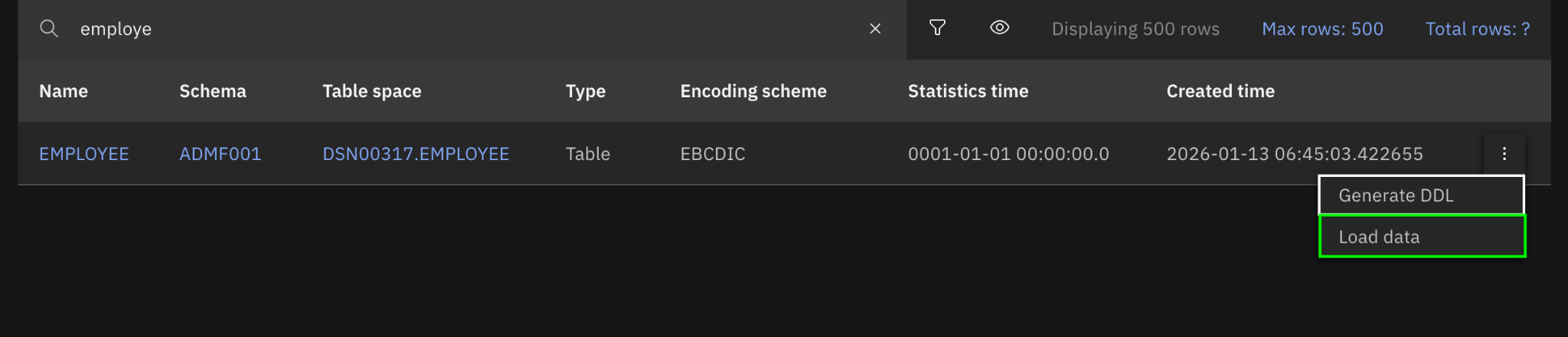
Select a table and click Load data in the overflow menu.
-
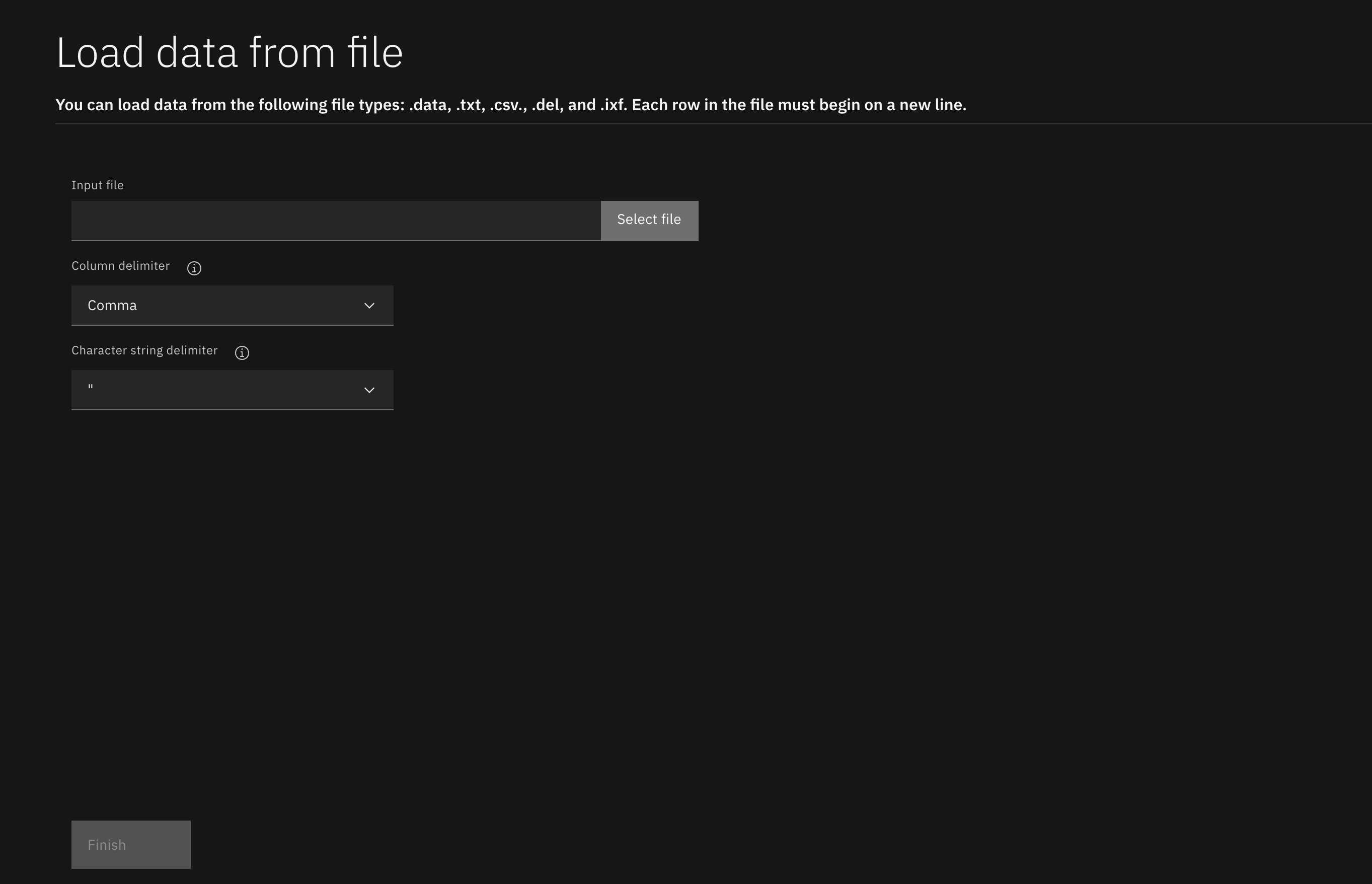
Under Input file, enter the directory path to a file, or click Select file to open your file explorer and select a file.
Important: Only files that have an extension of .csv, .txt, .data, .del, or .ixf are supported. Additionally, each row in the file must be separated by a line break. Data that spans multiple lines within a single row is not supported.
-
For the Column delimiter and Character string delimiter options, select the delimiter options that are used in the input file.
-
Click Finish.
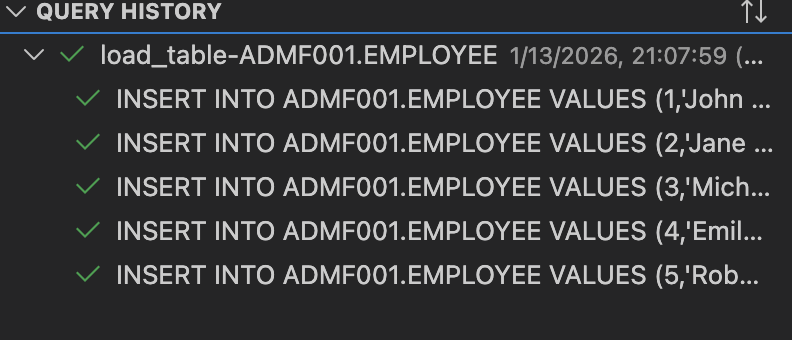
After the data is finished loading into the table, the results are displayed in the Execution summary page and an entry is added to the QUERY HISTORY view.