Calling stored procedures and user-defined functions from catalog navigation
You can call a stored procedure or user-defined function (UDF) for all supported languages (C, COBOL, Java, SQLJ, SQL) directly from the Db2 Developer Extension catalog navigation view.
To call a stored procedure or user-defined function, first select the Stored procedure or User-defined function object type from the catalog navigation tree, then click Run from the overflow menu for the stored procedure or UDF that you want to call:
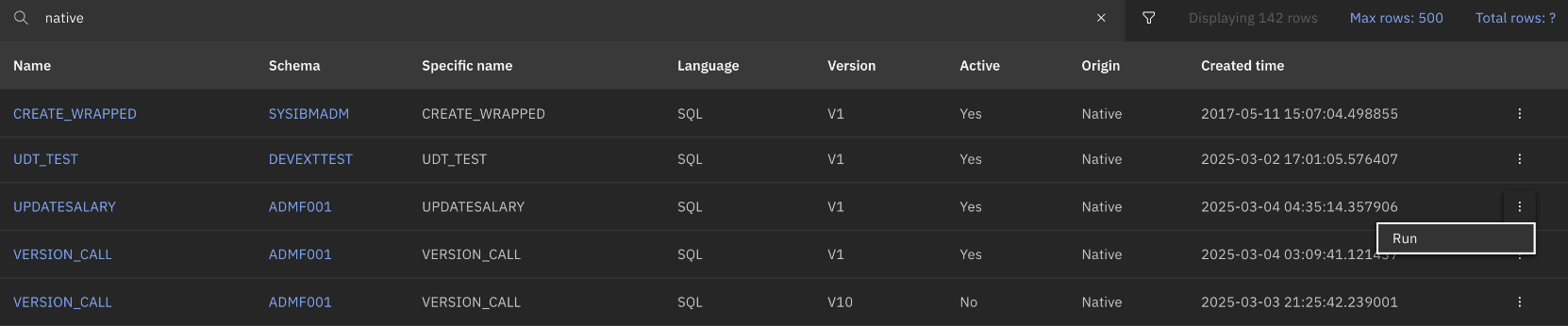
-
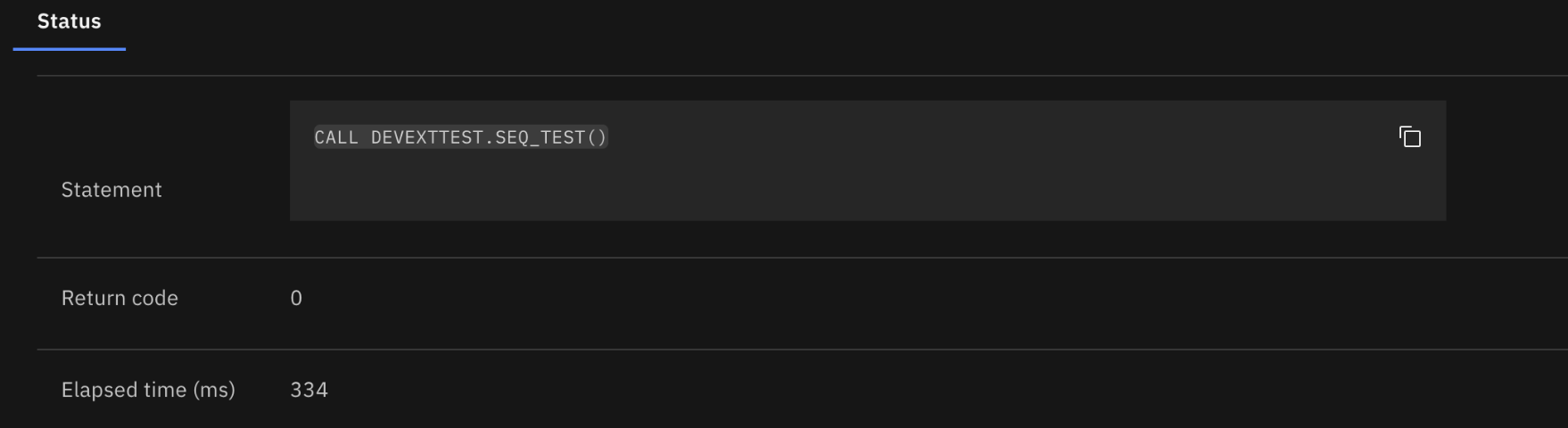
If the stored procedure or UDF that you’re calling does not include input variables, the stored procedure or UDF runs and the results are displayed:
-
If the stored procedure or UDF that you’re calling does include input variables, you are prompted to specify values for the variables:
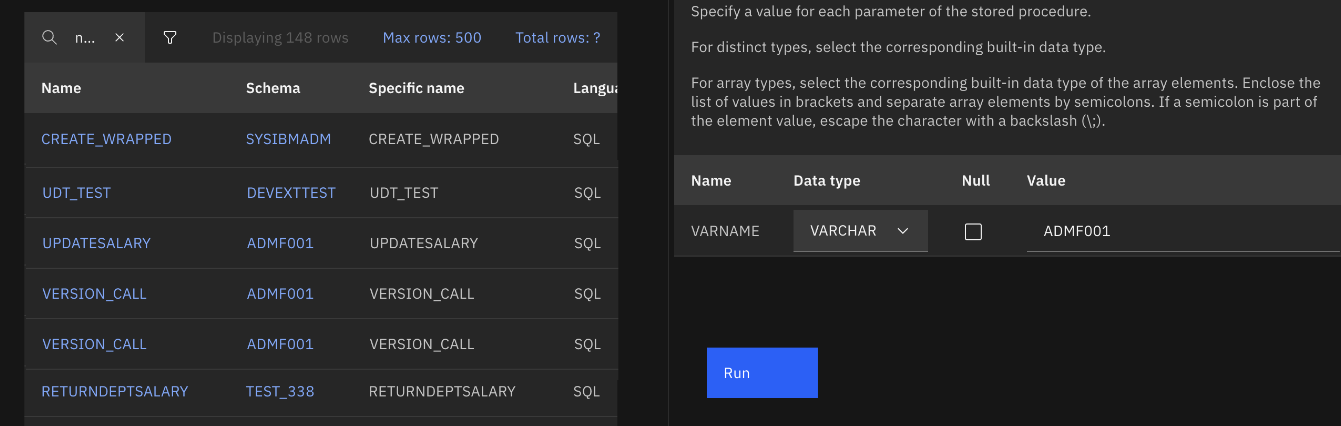
Note: Only native SQL stored procedures can include a mix of NULL and non-NULL elements in the array input values (for example:
[value1; NULL; NULL; value4; NULL; value6]).After you specify the values and click Run, the results are displayed.